Guide for tattoo fans
Recording a tattoo through body changes (weight loss, muscle gain, pregnancy)
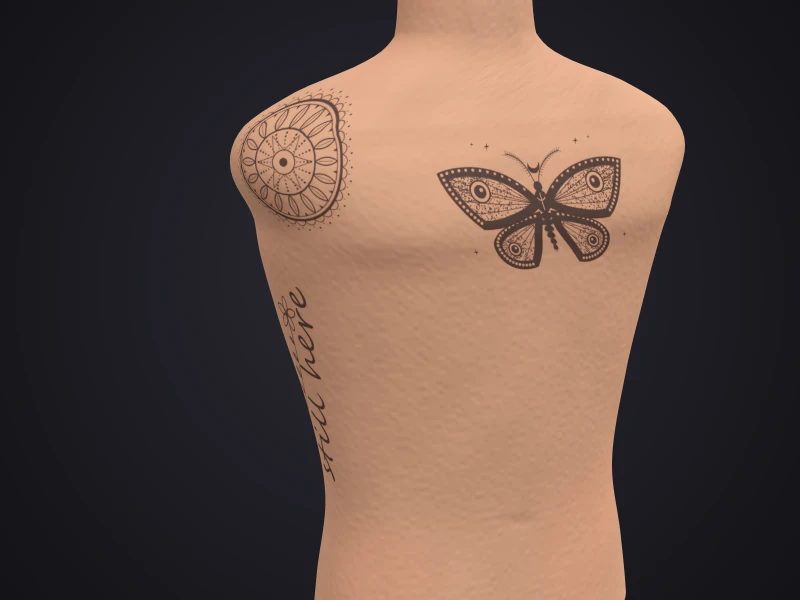
When your body changes, for example through weight loss, muscle gain or pregnancy, you can photograph or scan your tattoo at regular intervals, always with the same setup. That gives you a record you can later put side by side.
This guide only explains how to document. It says nothing about what happens to skin or tattoo when the body changes. Your artist answers questions about it; for any complaints or during pregnancy, ask your doctor or midwife.
By Inkmirra · Updated: 18 November 2026 · 3 min read
What a record is good for
- A memory of a time when your body changed
- A project of your own, for example while training
- A basis for talking to your artist, for example about later additions
- A personal album that only you see
Choose a rhythm
You decide the interval, for example monthly or on certain occasions. For comparing, what counts is that you keep to it and take the pictures the same way each time.
In the Inkmirra tattoo journal you create an entry with date, notes and up to 4 photos for each session.
Staying comparable while the body changes
So that differences come from the body and not from the picture, keep the setup fixed:
- Same distance and same zoom level, even if the tattoo then fills more or less of the frame
- A tape measure next to the tattoo, in the same plane as the skin, as a size reference
- The camera parallel to the tattoo, the tattoo centred
- Uniform, diffuse light, generally no flash, and the same time of day if you can
- A plain background
- The same pose every time
Showing the whole area
If a tattoo wraps around the belly, an arm or a leg, a single photo shows only part of it. The NIST guideline then recommends several overlapping views, and for large areas an additional picture of the whole area.
A 3D scan captures the area all around. At Inkmirra you link several scans to one tattoo and blend them.
Step by step
Fix the setup
Choose and note place, light, distance, zoom level and pose.
Place the tape measure
Next to the tattoo, in the same plane as the skin.
Capture
Overview, close-up and, if needed, more views or a 3D scan.
Create an entry
Add the date and a short note.
Compare
Put pictures side by side or blend scans.
Private stays private
Pictures of your body are personal. At Inkmirra, tattoos, journal and scans are private by default. You can share single tattoos by a link you can time-limit and end.
Important
No statement about skin or health
Inkmirra documents and compares; it does not assess anything. Whether and how a tattoo changes when the body changes is not answered by this guide. Your artist answers questions about it; for any complaints or during pregnancy, ask your doctor or midwife.
Sources
General statements in this guide are based on these sources. Statements about Inkmirra describe the app's features.
Questions about tattoos and body changes
How often should I capture my tattoo?
That is up to you, for example monthly. For comparing, what counts is that you keep to the rhythm and always take the pictures the same way.
Will my tattoo change if I lose weight or am pregnant?
This guide deliberately makes no statement about that. Ask your artist and, for any complaints or during pregnancy, your doctor or midwife.
How do photos stay comparable when my body changes?
Keep distance, zoom level, light and pose the same and place a tape measure next to the tattoo in the same plane as the skin.
Can anyone see my pictures?
At Inkmirra, tattoos, journal and scans are private by default. Only what you share by link is shared, and you can time-limit and end the link.
Can I add older photos?
Yes. In the tattoo journal you create entries with up to 4 photos, including pictures from earlier.