Guide for tattoo fans
Preparing a cover-up: save references
Before a cover-up or touch-up, clear, undistorted pictures of the old tattoo help your artist: a full view, close-ups of the dark areas, the sides and a size reference. A 3D scan shows the most, because it captures the design all around and how it flows around the body.
Save the pictures before your consultation and keep your own copy, also as a memory of the old design.
By Inkmirra · Updated: 1 November 2026 · 3 min read
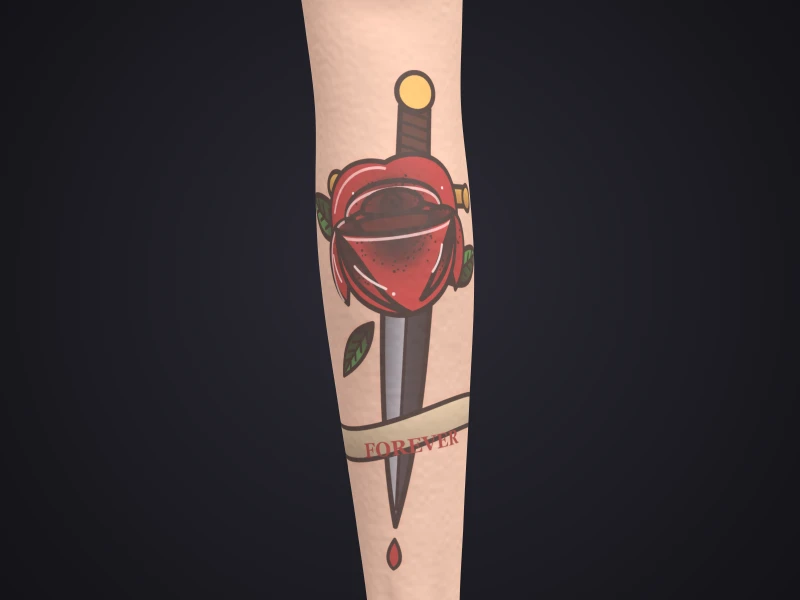
Why references before the appointment?
A cover-up is planned around the old tattoo. The better your artist knows its lines, dark areas and size, the more concrete the consultation. After the session, the old design is no longer visible.
What the new design looks like is something you decide together with your artist. This guide helps you prepare.
Checklist: these pictures help
- A full view, straight on, with a little skin around it
- Close-ups of dark areas, thick lines and lettering
- Side views if the tattoo wraps around an arm, leg or ribs
- A size reference, for example a ruler next to the tattoo
- Soft light without flash and without glare
- A 3D scan that shows everything all around
What you can note down
- When and where the tattoo was done
- Whether it has been touched up or treated before, for example with a laser
- What matters to you about the old design and what definitely should not stay
- Ideas and reference pictures for the new design
Step by step before a cover-up
Add the tattoo
Enter title, body part, style and date.
Scan and photograph
About 30 seconds of video all around, plus close-ups following the checklist.
Share with your artist
By a link you can time-limit and end at any time.
Scan again afterwards
After the session, link the new state to the same tattoo and compare before and after.
Touch-ups
A scan is worth it before a touch-up too: later you can see what has changed and blend the old and new state. Whether and when to touch up is something you decide with your artist.
Guide: tracking how a tattoo ages →Important
Before laser treatment
Record what your tattoo looks like before the first session. Specialists advise you on the treatment itself; Inkmirra gives no advice on it.
Questions about cover-ups
What pictures does an artist need for a cover-up?
Helpful are a full view straight on, close-ups of dark areas and lines, side views and a size reference, all in soft light without glare. A 3D scan also shows the tattoo all around. Your artist will tell you exactly what they need.
Why a 3D scan instead of just photos?
Photos distort tattoos on curved body parts. In the 3D model your artist sees the design from every side, including where it wraps around the body.
Can I still look at the old tattoo after the cover-up?
Yes, if you captured it beforehand. At Inkmirra the scan stays private in your account, and you can compare the old and new state.
How do I share the references with my artist?
By link, for example via WhatsApp or e-mail. You can time-limit, renew or end the link.
Does Inkmirra help me decide between a cover-up and laser?
No. Inkmirra only documents. Get advice from your artist and, for laser treatment, from specialists.